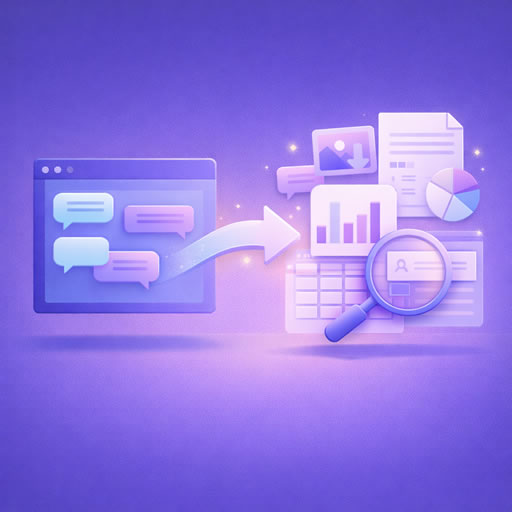
Why Export Your ChatGPT History?
Exporting your ChatGPT history allows you to gain deeper insights into your interactions with the AI. Whether for personal reflection, business analytics, or improving future conversations, having a record of your chats can be incredibly useful.
Personal Reflection
By reviewing your past conversations, you can see how your questions and the chatbot's responses have evolved over time. This can be enlightening for personal growth and understanding.
Business Analytics
For businesses, analyzing chat history can help in understanding customer interactions and improving customer service. Exported data can be used to refine communication strategies and enhance user experience.
Steps to Export Your ChatGPT History
Exporting your ChatGPT history is a straightforward process. Follow these steps to ensure a smooth export:
- Access Your Account: Log in to your ChatGPT account where your conversations are stored.
- Navigate to Conversations: Go to the section where your past interactions are listed.
- Select Export Option: Most platforms will have an export or download button. Click on it to start the process.
- Choose Format: Decide on the format you wish to export your data in. Common formats include CSV, JSON, or plain text.
- Download the File: Save the exported file to your preferred location on your device.
How to Use Your Exported Data
Now that you have exported your ChatGPT history, it's time to put it to good use. Here are several ways you can leverage this data:
Analyze Patterns
Look for patterns in your conversations. Are there recurring questions or themes? Identifying these can help you understand what information you or your users are most interested in.
Improve Communication
Use the insights gained from your chat history to improve how you communicate with the AI. This can lead to more efficient and productive interactions.
Integrate with Tools
Consider using tools like ExportReader to further analyze and customize your data. This tool allows you to read, search, and analyze your conversation exports, making it easier to extract valuable insights.
Best Practices for Managing Exports
To make the most of your exported data, follow these best practices:
Conclusion
Exporting and using your ChatGPT history can significantly enhance your interaction with AI chatbots. Whether for personal insights or business analytics, the ability to analyze past conversations opens up a world of possibilities. By following the steps outlined above and utilizing tools like ExportReader, you can transform your chat history into a powerful resource.